Loyalty cards, ready to scan
Keep your favourite store barcodes at hand.
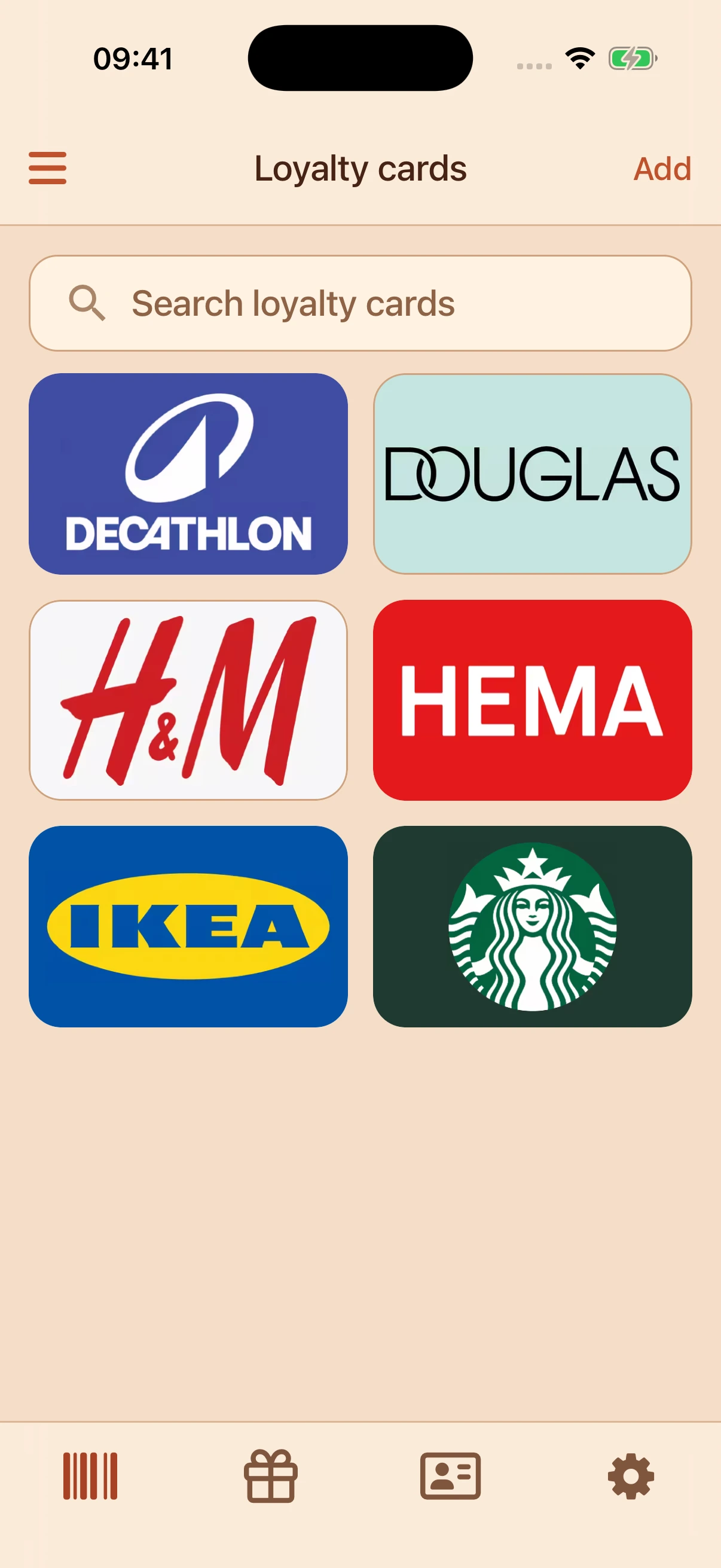
Keep loyalty cards, gift cards and card photos together. Find the one you need, and get on with your day.

Free to use. No account. No ads.
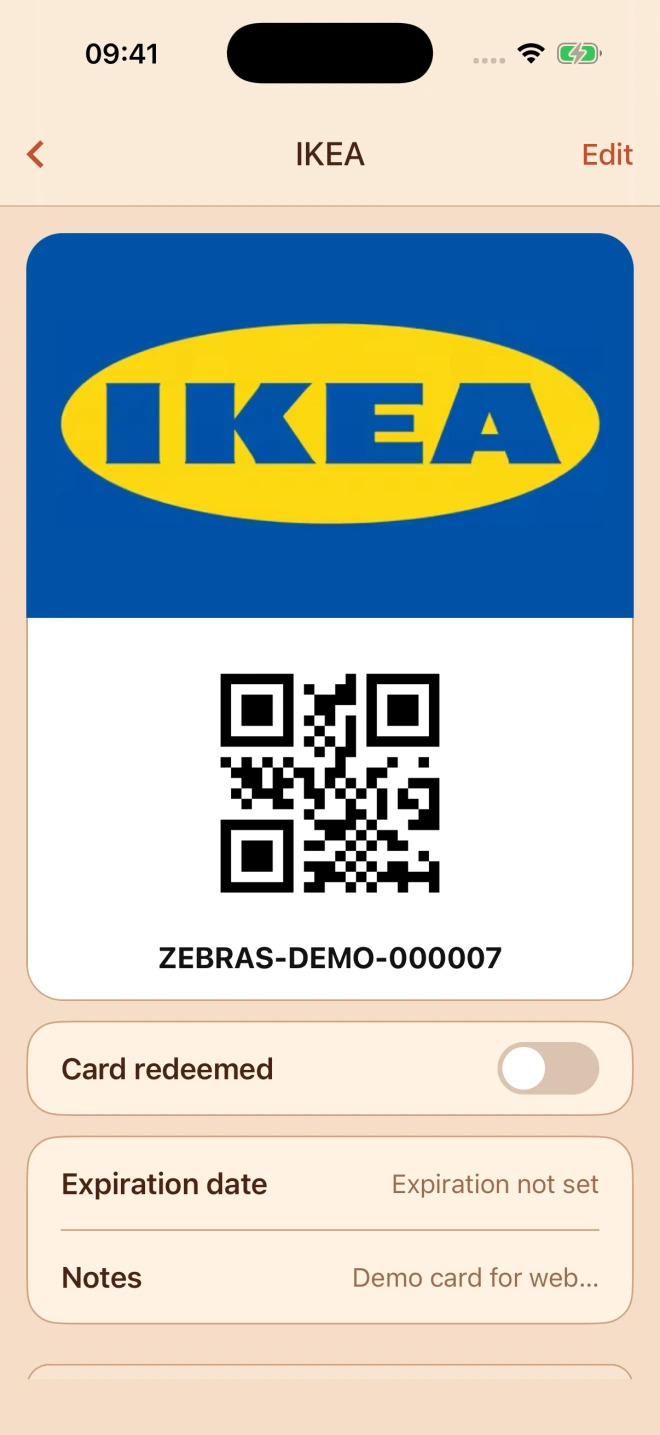
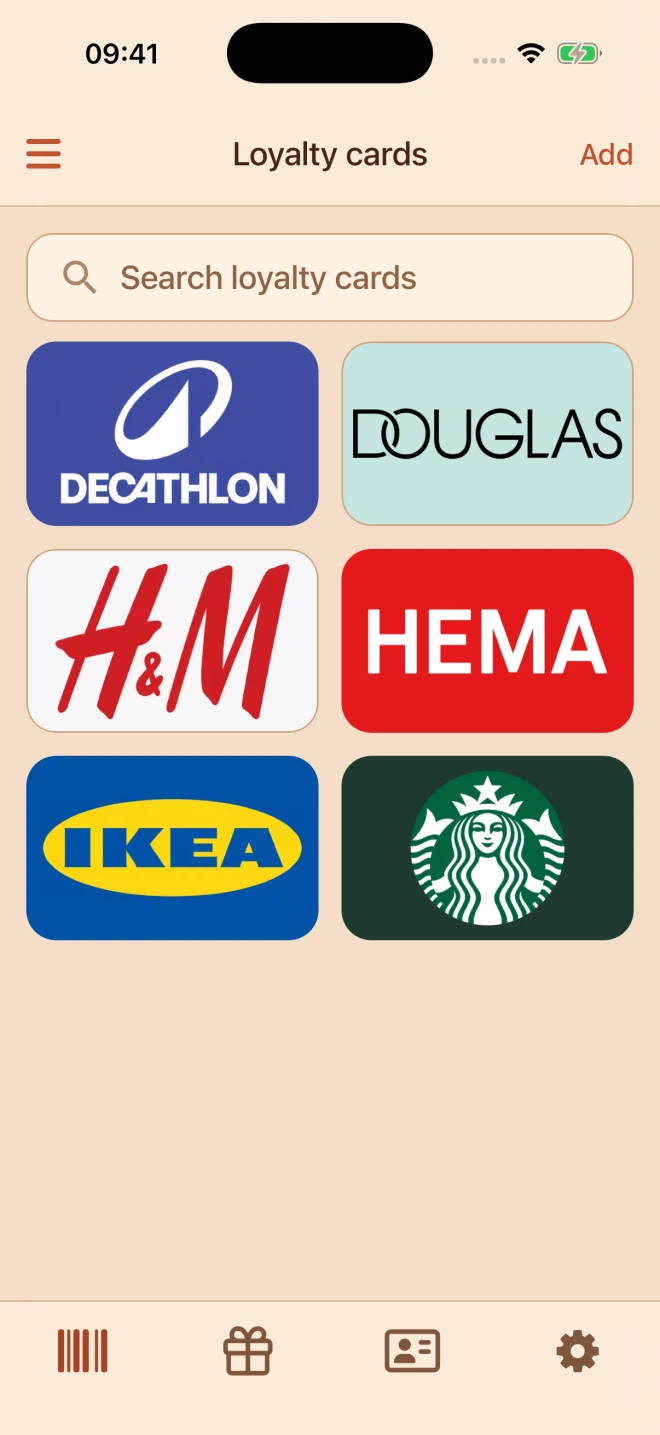
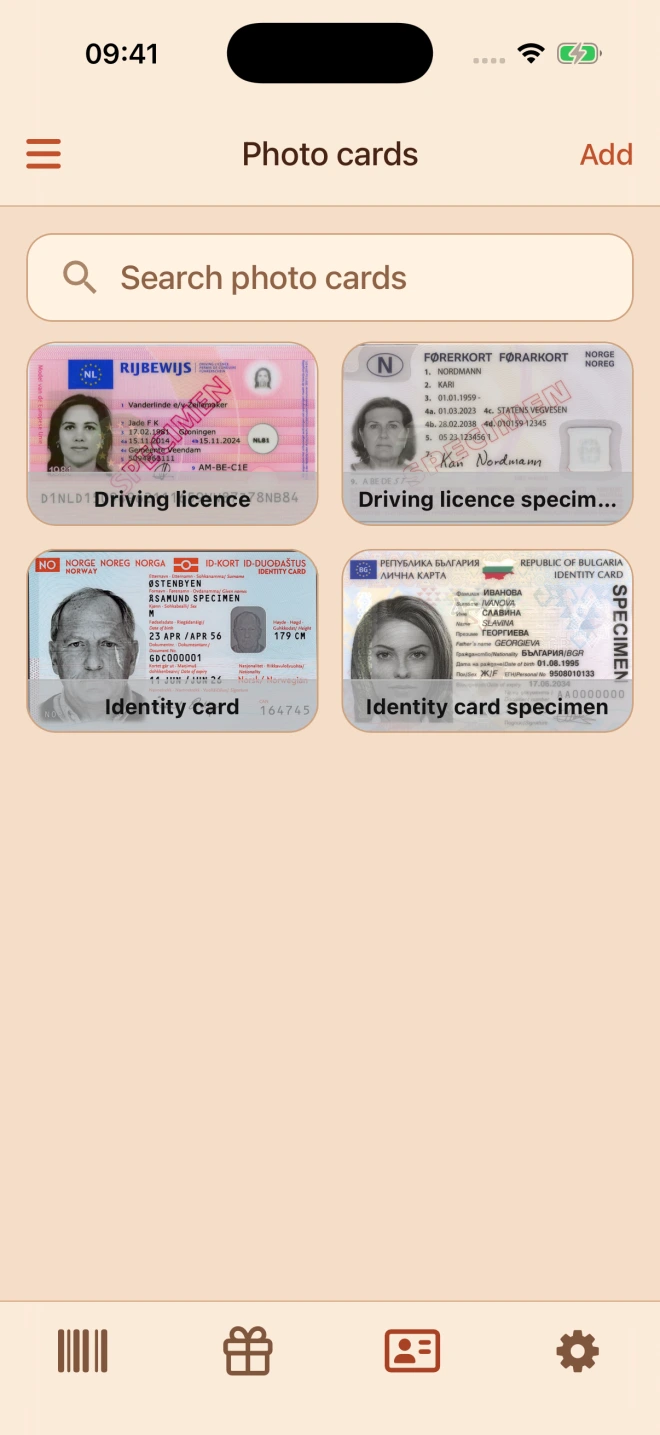
Keep the cards. Lose the bulk.
Move the cards you use every day to Zebras. Your pocket will thank you.
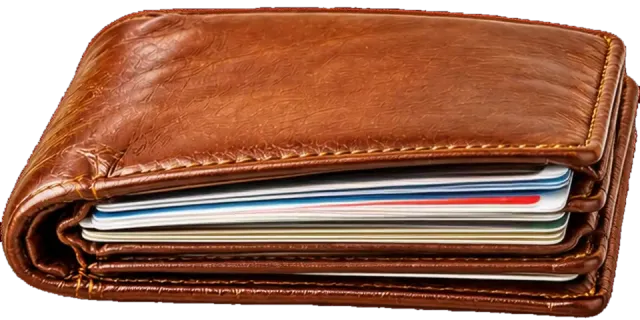
The everyday essentials
The useful things, together. Without the clutter.
Keep your favourite store barcodes at hand.
Save gift values and expiry dates in one place. Update values yourself.
Keep card photos in a separately protected space.
Send a card to someone who needs it, straight from the app.
Your everyday collection
Choose from 10,000+ predefined loyalty and gift card options. Or add your own.
1 / 3Your everyday loyalty cards
Good things are for sharing
A family shopping trip. A gift for a friend. Send a card in a few taps.
Sharing and online brand search need a connection.
1 / 3Select several cards to share
Good gifts deserve to be used
Keep gift cards where you can find them. Save their value and expiry date, then mark them redeemed when you’ve used them.
You enter and update gift card values yourself.
1 / 3Active and redeemed gift cards together
From pocket clutter to checkout-ready
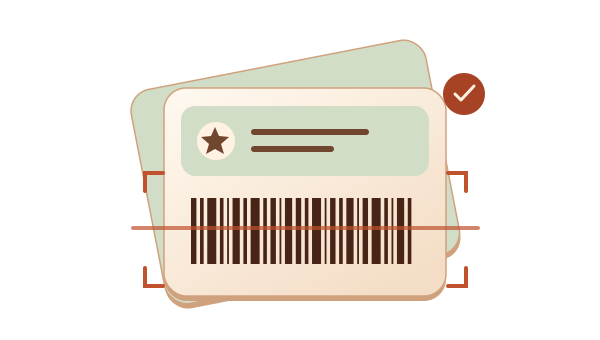
Scan a barcode or import a screenshot.
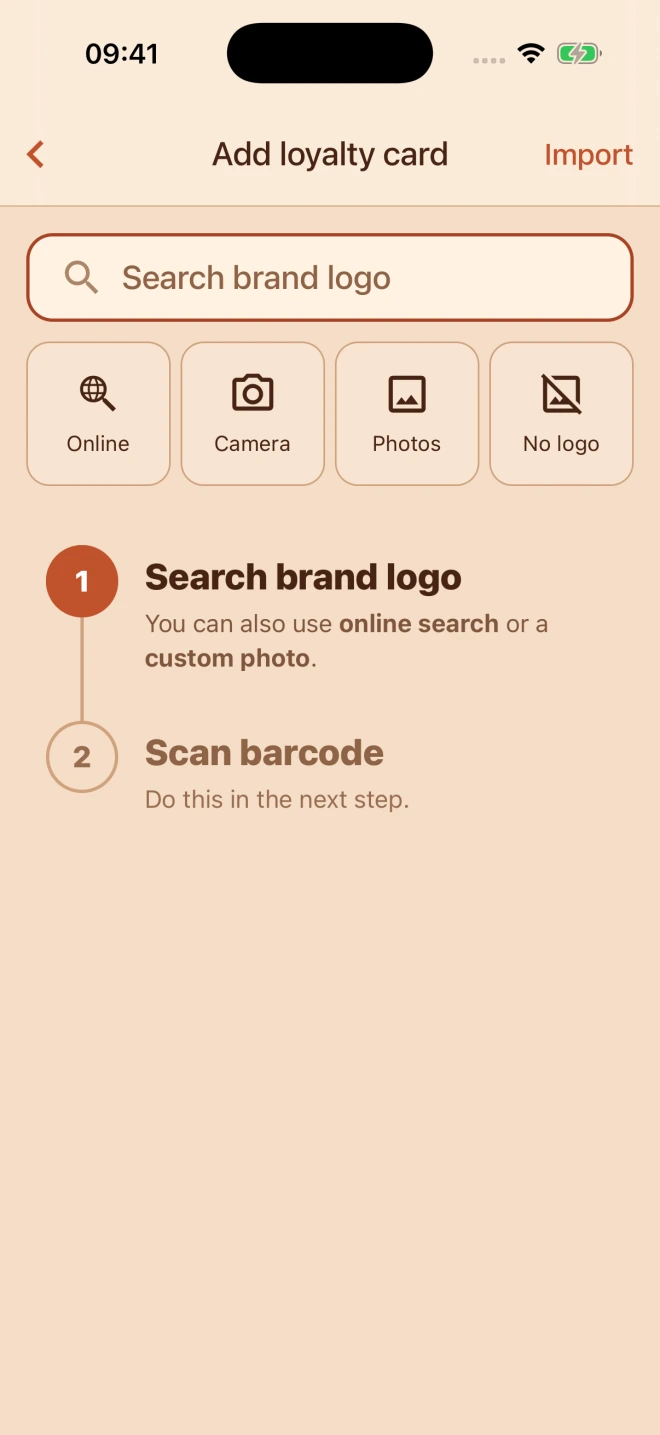
Keep your everyday cards together.
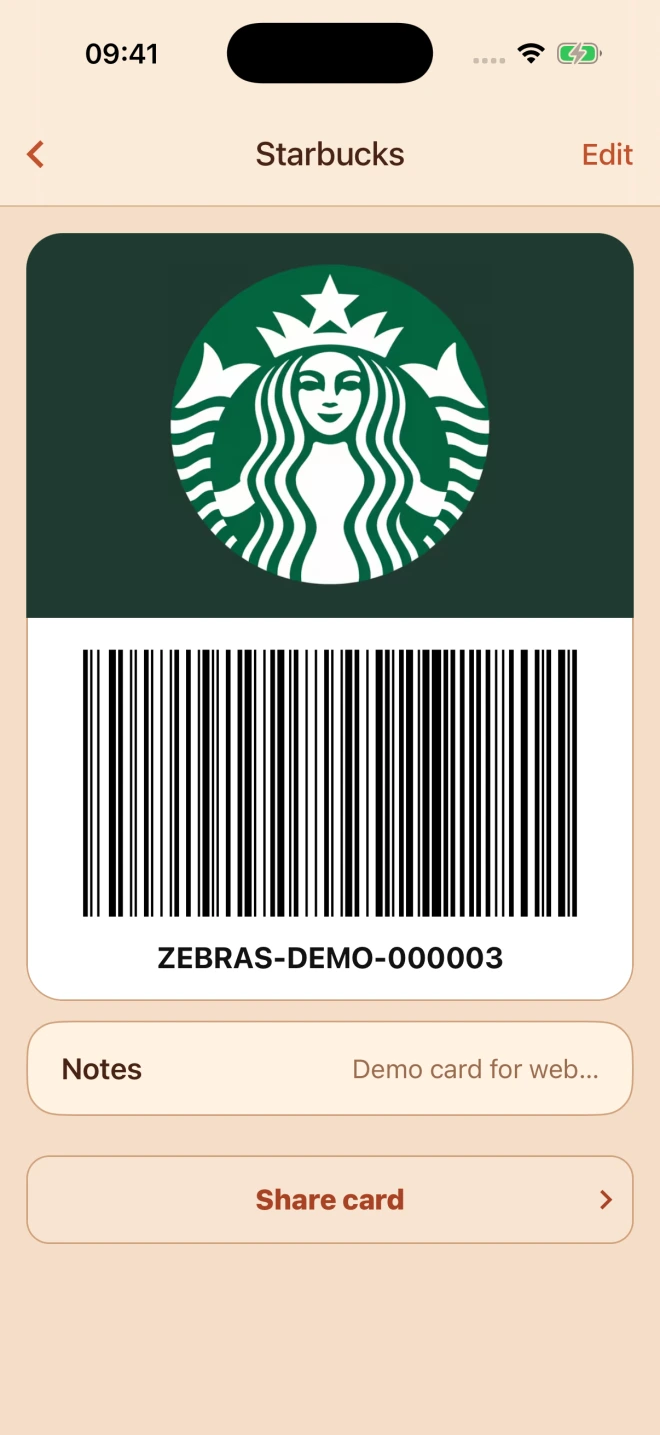
Open your saved barcode, even offline.
Everyday stories

Finally, a card app that opens quickly. I can find the card I need without slowing down at checkout.

My gift cards are all in one place. Keeping track of the remaining balances is much easier than carrying them in my wallet.

I keep my everyday cards on my phone and use them even when I’m offline. There’s less in my wallet and less to remember.
A few useful answers
Still need a hand? Our support guides walk you through it.
No. Open Zebras and start adding cards.
Your saved cards are available offline. Sharing and online brand search need a connection.
You enter and update gift card values yourself. Zebras does not retrieve live balances from shops.
Photo cards have their own protection settings. Use the Face ID support guide if you need help restoring access.
Yes. Share a card from the app. The recipient opens the link in Zebras.
Pricing is $0. No ads.
Never miss a promotion
Keep your everyday cards together, without the wallet bulk.
Free to use. No ads. No account. Works offline.